
Substance Painter Master Course
Khóa Học Chuyên Sâu Substance Painter

4.6
(120 đánh giá)
1,128 học viên

Giảng viên
3DRedBox Studio
Phụ đề tiếng Anh
Bán chạy
Đánh giá cao
50.000đ
399.000đ
-87%
Bao gồm phụ đề tiếng Việt, tiếng Anh
24.0 giờ video
68 bài giảng
Truy cập vĩnh viễn
Học trên mọi thiết bị
Cập nhật: 14/06/2026
Bạn sẽ học được gì
Yêu cầu
Kiến thức cơ bản về Photoshop
Kỹ năng tạo mô hình cơ bản
Hiểu về UV mapping và unwrapping
Phần mềm: Substance Painter, Rizom UV Lab, Substance Sampler, Marmoset Toolbag
Đối tượng phù hợp
Nội dung khóa học
6 phần • 68 bài giảng
1
01_Giới thiệu_Cơ bản về ViewPort
2
02_Giới thiệu_UI và Cài đặt Hiển thị
3
03_Giới thiệu_TextureSet - Danh sách và Cài đặt
4
04_Giới thiệu_Fill Layers
5
05_Giới thiệu_Paint Layer_Phần 01
6
06_Giới thiệu_Paint Layer_Phần 02
7
07_Giới thiệu_Paint Layer_Phần 03
8
08_Giới thiệu_Asset Library
9
09_Giới thiệu_Paint Layer_Phần 04
10
10_Giới thiệu_Dự án đầu tiên_Chuẩn bị Mô hình và Mẹo về UV
11
11_Giới thiệu_Dự án đầu tiên_Mesh Maps, Filters, Masks
12
12_Giới thiệu_Dự án đầu tiên_SmartMask, Generators
13
13_Giới thiệu_Dự án đầu tiên_Render Iray
14
14_Giới thiệu_Dự án đầu tiên_Xuất Texture
15
15_Giới thiệu_Dự án đầu tiên_Cách sử dụng Marmoset Toolbag
16
16_Giới thiệu_Dự án đầu tiên_Rendering
17
17_Giới thiệu_Thay đổi độ phân giải mô hình
18
18_Giới thiệu_SmartMaterial, SmartMask
19
19_Giới thiệu_Anchor Points, Geometry Mask
20
20_Giới thiệu_Công cụ Path Tool
21
21_Lý thuyết Baking_Phần 01_Giải thích về Baking
22
22_Lý thuyết Baking_Phần 02_Baking đơn giản
23
23_Lý thuyết Baking_Phần 03_High to Low
1
militaryhat_phần01_Thiết lập Dự án
2
Militaryhat_phần02_Chất liệu Da
3
Militaryhat_phần03_Chất liệu Kim loại
4
Militaryhat_phần04_Hatpin
5
Militaryhat_phần05_Chất liệu Vải
6
Militaryhat_phần06_Điều chỉnh cuối cùng và Render
1
NordicAxe_Phần01_Thiết lập Dự án
2
NordicAxe_Phần02_Thêm chi tiết cho Cán
3
NordicAxe_Phần03_Thêm chi tiết cho Cán
4
NordicAxe_Phần04_Chất liệu Gỗ
5
NordicAxe_Phần05_Chất liệu Gỗ
6
NordicAxe_Phần06_Phần Đầu Kim loại
7
NordicAxe_Phần07_Phần Đầu Kim loại
8
NordicAxe_Phần8_Rendering
9
NordicAxe_Phần9_Phần bổ sung
1
scifiblade_phần01_Thiết lập Dự án
2
scifiblade_phần02_Thêm chi tiết
3
scifiblade_phần03_Thêm chi tiết
4
scifiblade_phần04_Chất liệu Cán dao
5
scifiblade_phần05_Chất liệu Lưỡi dao
6
scifiblade_phần06_Chất liệu Lưỡi dao
7
scifiblade_phần07_Decal
8
scifiblade_phần08_Xuất và Rendering
1
SnipeGun_Phần01_Chuẩn bị Mô hình - Cùng tên Mesh
2
SnipeGun_Phần02_Thiết lập dự án
3
SnipeGun_Phần03_Chất liệu Kính và Nhựa
4
SnipeGun_Phần04_Chất liệu Gỗ_Phần 01
5
SnipeGun_Phần05_Chất liệu Gỗ_Phần 02
6
SnipeGun_Phần06_Chất liệu Kim loại_Phần 01
7
SnipeGun_Phần07_Chất liệu Kim loại_Phần 02
8
SnipeGun_Phần08_Chất liệu Kim loại_Phần 03
9
SnipeGun_Phần09_Rendering trong Marmoset
1
AirConditioner_Phần01_Giải thích bộ mô hình
2
AirConditioner_Phần02_Giới thiệu RizomLab
3
AirConditioner_Phần03_Cùng Texel Density trên Đối tượng
4
AirConditioner_Phần04_Baking Mesh Maps - Kỹ thuật Explode
5
AirConditioner_Phần05_Chất liệu Thân máy - Sơn
6
AirConditioner_Phần06_Chất liệu Thân máy - Gỉ và Bong tróc
7
AirConditioner_Phần07_Chất liệu Thân máy - Sơn gỉ
8
AirConditioner_Phần08_Chất liệu Thân máy - Decal_Phần 01
9
AirConditioner_Phần09_Chất liệu Thân máy - Decal_Phần 02
10
AirConditioner_Phần10_Chất liệu Hàng rào và Ốc vít
11
AirConditioner_Phần11_Chất liệu Quạt và Cấu trúc
12
AirConditioner_Phần12_Rendering Marmoset
13
AirConditioner_Phần13_Thiết lập UDIMS trong Unreal
Giới thiệu khóa học
Welcome to the Substance Painter Master course!
23hours narrated Substance Painter Tutorial with 6 Project
Guided by instructor Mehdi Beheshti, a seasoned professional with over 4 years of experience teaching CG software to more than 2000 Students, this course is your ticket to Learning Substance Painter professionally. As a top seller on ArtStation Marketplace for 3 years, Mehdi brings his expertise to help those who want to learn Substance Painter with a thrilling journey.
Course Structure
1. Introduction
At the beginning of the course, you'll learn the basics: what each tool does, how to use different windows, and the essentials of how Substance Painter works, giving you a solid start for the rest of the learning experience.
2. Principle of Starting Projects
We start by learning how Substance Painter operates and how to get our models ready, making sure to avoid common mistakes. We'll also pick up some handy tips for working with UV mapping and unwrapping along the way.
3. First Project: Steel Pot
Once we've got the basics down, we move on to a practical project. We'll texture a steel pot in Substance Painter, show off our work in Marmoset Toolbag, and along the way, pick up the basics of using Marmoset.
4. Military Hat Project
Get ready to start the military hat project in Substance Painter! First, check your model's UV. Import it, bake the mesh maps, and tweak display settings. Then, dive into crafting materials like leather, metal, and fabric. Add cool seams and stitches for detail. Use Substance Sampler AI to turn images into materials. Finish up, export your textures, and see your creation shine in Marmoset Toolbag!
5. Nordic Axe Project
Let's see some Substance Painter magic! First, set up your model and check its UV. Then, import it, bake mesh maps, and tweak display settings. Dive into the fun part by adding details to the handle and metal head. Create cool wood and metal materials, add finishing touches, and export your textures. See your creation shine in the Marmoset Toolbag. Take it further by transferring materials to a low-poly model and check it out in Unreal Engine for the final use stage!
6. Scifi Blade Project
Gear up for Project Scifi Blade adventure! Begin by setting up your model and use the Overlap method for UV. Then, jump into the action - import your model, bake mesh maps, and fine-tune display settings. Get hands-on crafting details for both the blade and handle. Develop materials for the handle, including plastic and steel-painted textures. Dive into the blade with base and layered materials. Elevate your design with surface decals and text, export your textures, and witness your creation in all its glory with a Marmoset Toolbag render.
7. Scifi Blade Project
Are you ready to texture an environment asset? Let's kick things off with an air conditioner. We'll begin by prepping the model for Substance Painter, setting up the scene, and diving into our creative process.
A highlight of this section is creating a custom mask using Photoshop, adding a touch of realism to our work. Once we've completed the texturing process in Substance Painter and achieved a fantastic air conditioner material, it's time to showcase our creation in Marmoset Toolbag.
8. Sniper gun
We're going to make a cool sniper gun! Handling the textures can be tricky, but we'll manage the details in Substance Painter. We'll also learn about creating designs for the gun using new methods for materials like wood, metal, and plastic. After that, we'll use Marmoset to make our sniper gun look even cooler. And guess what? There's a bonus chapter on Unreal Engine. We'll show you how to set up textures in Unreal Engine for an extra touch. Ready to dive in?
Level
-
Beginner To Advanced
-
Recommended For whom?
-
Anyone who wants to learn Substance Painter from scratch and you can join this course at any level!
-
You just need to have basic knowledge of Photoshop.
-
Having Modeling skills and fundamentals of UV and Unwrapping is necessary.
-
Instructor
-
Mehdi Beheshti with 4+ years of teaching experience and Top seller on ArtStation Marketplace for 3 years.
Join us on this creative journey!
Subtitles :
-
English
-
Portuguese
-
Spanish
-
Russian
New Update :
What's New in Substance Painter - Latest Features Overview! 2025
Hey everyone. In this video we are diving into the latest updates and new features in Substance Painter. Lets explore what is new and how it can speed up your workflow. Here is what we cover: Automatic Cage Creation - a game changer for baking. New Layer Creation Style - smoother and smarter UI. Export Quick Menu - faster and more efficient exports. Full Control over UDIMs and UV Tile Naming - total flexibility. Auto Update Resource - a very handy and powerful feature. Paint Along Path Tool - tested and reviewed with all the new upgrades. Two Amazing Filters - instantly convert realistic assets to stylized ones with one click. If you are using Substance Painter, you dont want to miss this update. Like and subscribe for more breakdowns and tutorials.
Software Used
-
Substance Painter
-
Rizom UV Lab
-
Substance Sampler
-
Marmoset Toolbag
-
Photoshop (Basic knowledge required)
50.000đ
399.000đ
-87%
Bao gồm phụ đề tiếng Việt, tiếng Anh
24.0 giờ video
68 bài giảng
Truy cập vĩnh viễn
Học trên mọi thiết bị
Cập nhật mới nhất: 14/06/2026
Khóa học liên quan
Khám phá thêm các khoá học cùng chủ đề


Khóa học Blender toàn diện: Từ Cơ bản đến Chuyên gia
Skillademia Academy
4.5
(10365)
69,512
99.000đ
1.779.000đ
-94%

Unreal Engine 4: Hướng dẫn phát triển hai tựa game đầu tay
Christopher Murphy
4.6
(11119)
64,223
50.000đ
449.000đ
-89%


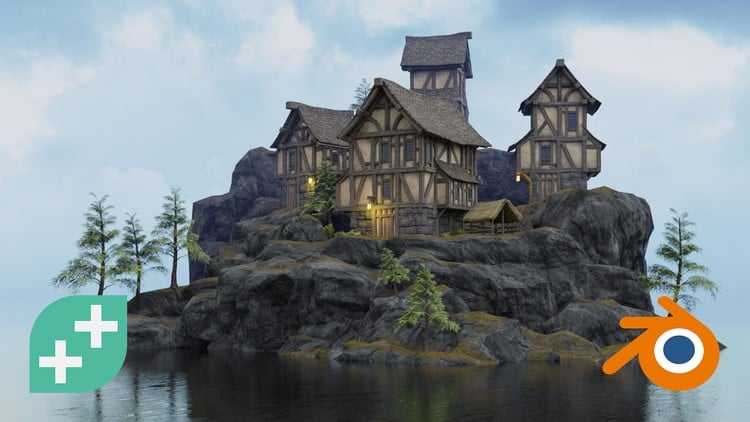
Blender Environment Artist: Tạo Thế Giới 3D
GameDev.tv Team
4.8
(4381)
46,275
50.000đ
1.969.000đ
-97%


Phát Triển Game 2D Hoàn Chỉnh Với C# & Unity (Cập Nhật Unity 6)
GameDev.tv Team
4.7
(107590)
488,593
50.000đ
1.839.000đ
-97%
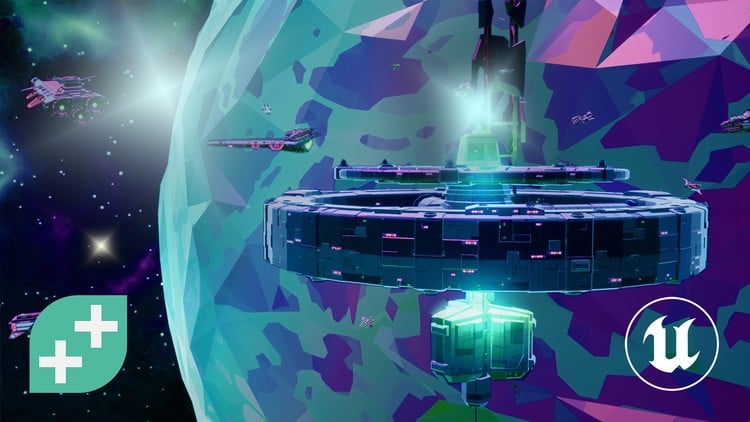
Phát triển game với C++ trên Unreal Engine 5 (Cập nhật đầy đủ lên phiên bản 5.6)
GameDev.tv Team
4.7
(74710)
395,640
50.000đ
1.879.000đ
-97%

Phát triển Game Unity 3D Hoàn Chỉnh với C# trong Unity 6
Rick Davidson
4.7
(47903)
251,870
50.000đ
2.319.000đ
-98%

Hướng Dẫn Toàn Diện Về Phát Triển Game Với Unity (Chính Thức)
Jonathan Weinberger
4.4
(20770)
108,254
79.000đ
349.000đ
-77%

RPG Core Combat Creator: Học Lập Trình Unity C# Trung Cấp
Ben Tristem
4.6
(11324)
107,962
50.000đ
2.259.000đ
-98%

Unreal Engine 5: Khóa Học Toàn Diện Cho Người Mới Bắt Đầu
David Nixon
4.6
(13343)
71,149
50.000đ
349.000đ
-86%
Unreal Engine 4: Hướng dẫn phát triển hai tựa game đầu tay
Christopher Murphy
4.6
(11119)
64,223
50.000đ
449.000đ
-89%
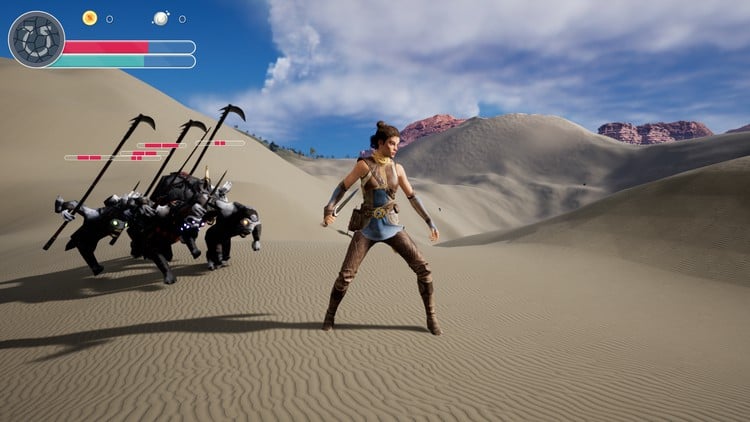
Khóa học Unreal Engine 5 C++ - Dành cho nhà phát triển game đỉnh cao
Stephen Ulibarri
4.7
(9157)
60,692
79.000đ
1.989.000đ
-96%
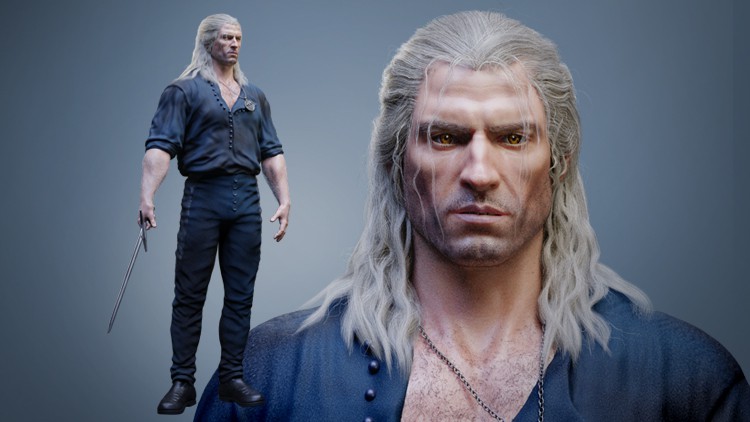
Hướng dẫn toàn diện tạo nhân vật chân thực trong Blender
Victory3D LLC
4.5
(1586)
17,254
79.000đ
1.909.000đ
-96%
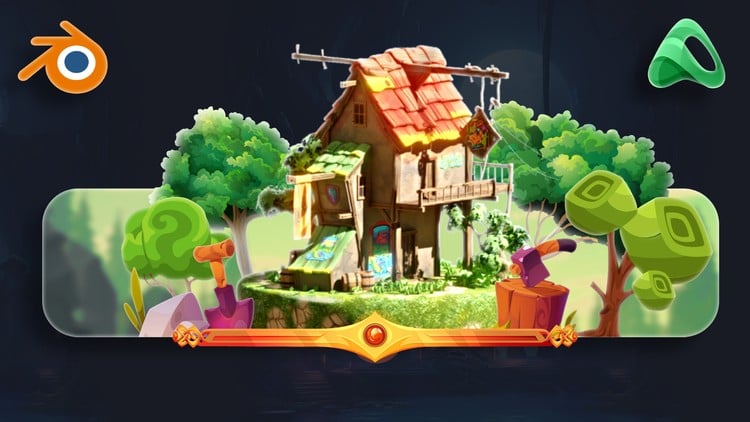

Khóa Học Tạo Nhân Vật Blender Toàn Diện: Từ Cơ Bản Đến Chuyên Nghiệp
Skillademia Academy
4.2
(119)
5,202
99.000đ
1.559.000đ
-94%
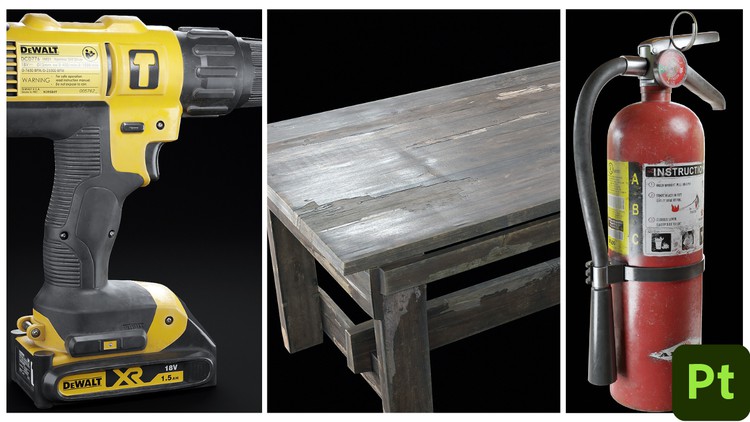

Blender 4: Cẩm nang toàn diện cho nghệ sĩ dựng cảnh
3D Tudor
4.7
(232)
3,163
79.000đ
1.369.000đ
-94%


Khóa học Substance Painter dành cho người mới bắt đầu
NIkolay Naydenov
4.6
(104)
1,198
50.000đ
1.299.000đ
-96%


Nắm Vững Từng Bước: Mô hình hóa, Vẽ tay, Hoạt ảnh & Ánh sáng
Artstudio 313
4.3
(128)
2,172
79.000đ
1.429.000đ
-94%

Substance Sampler: Từ con số 0 trở thành chuyên gia Texture và Material
Kubilay Altındiş
4.8
(34)
1,257
50.000đ
399.000đ
-87%
Khóa học Substance Painter dành cho người mới bắt đầu
NIkolay Naydenov
4.6
(104)
1,198
50.000đ
1.299.000đ
-96%
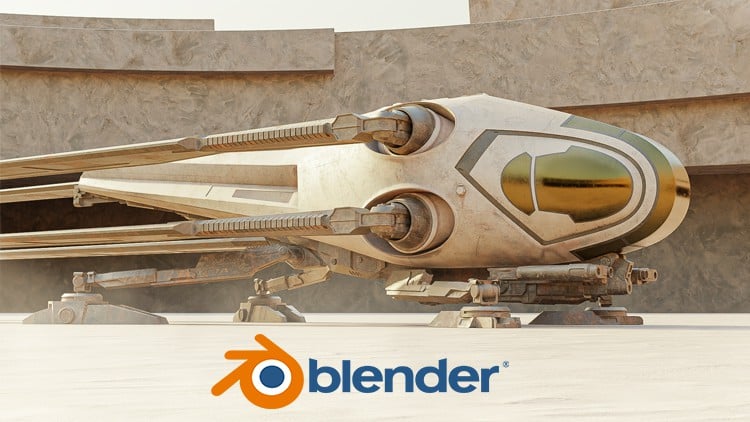
BLENDER: Hướng dẫn tạo Ornithopter trong Dune từ A đến Z
Mrawan Hussain
4.8
(121)
1,152
79.000đ
429.000đ
-82%

