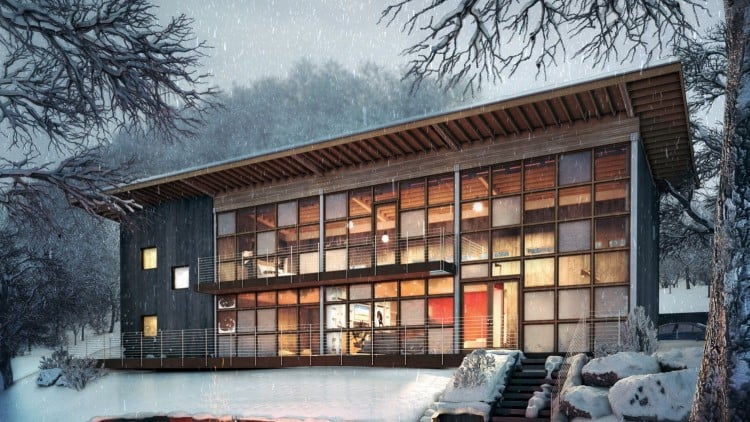
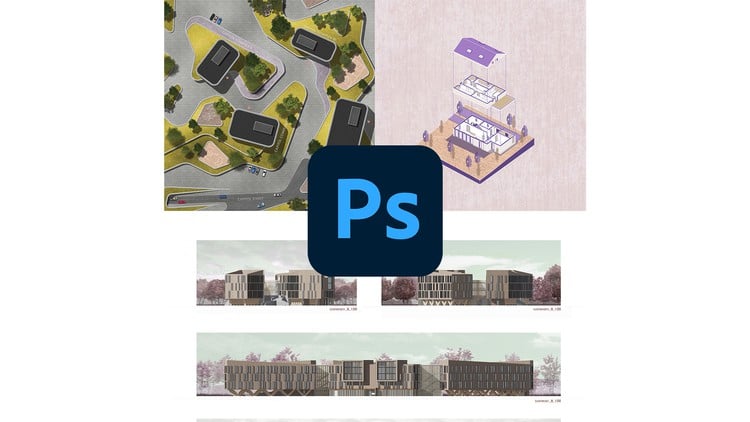
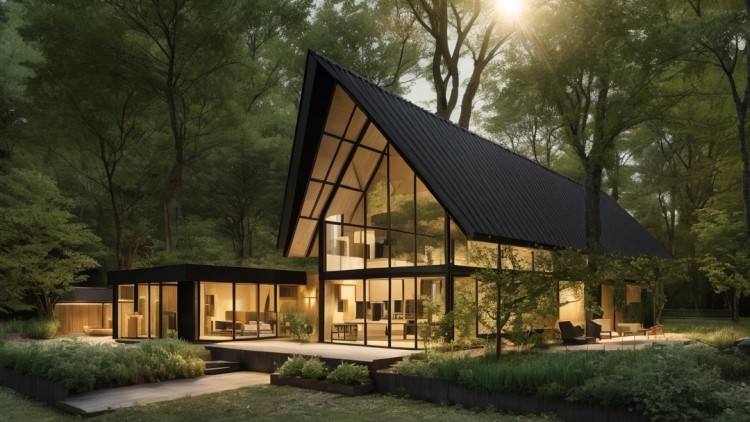
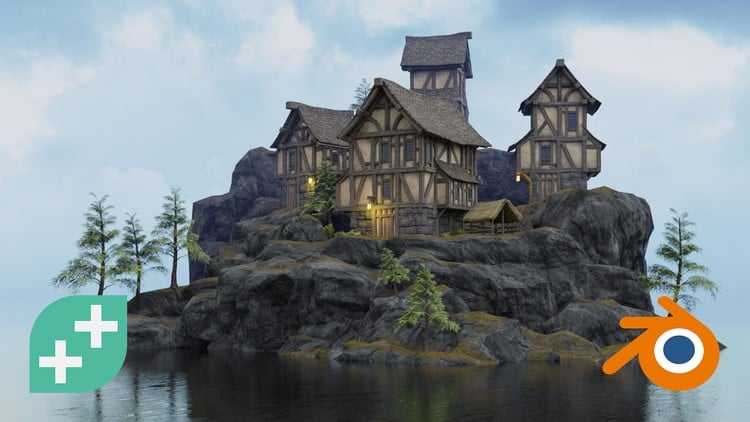
Learn 3ds Max and V-Ray by recreating Mies van der Rohe’s iconic Barcelona Pavilion from scratch. This course is perfect for aspiring 3D artists and architects who want to learn professional modeling, material creation, lighting, and rendering techniques in a practical, project-based format. Perfect for interior design, archviz, product rendering and more.
Expert Instructor: Learn directly from an Architect, 3ds Max artist & V-Ray mentor since 2007.
In Short, You Will Learn: Modeling, Lighting, Texturing & Rendering. — plus blueprint-based workflows, efficient scene structuring, and photorealistic post-production tools.
You’ll Start From the Very Basics — learning the interface, navigation, and essential tools — and gradually build up your skills by creating models from blueprints, reference images, or completely from the ground up. You’ll learn how to build clean, optimized geometry, create realistic V-Ray materials, use HDRI and V-Ray Sun for lighting, and produce high-quality renders using different rendering methods and post-processing tools inside the V-Ray Frame Buffer
Portfolio-Ready Project: The course is project-based, and the entire Barcelona Pavilion scene that you build and render during the course will become a part of your portfolio. You’ll also be able to set up even more camera angles and generate as many final renders as you like, showing your ability to build the model, apply materials, add lighting, and create professional-quality renders.
Alongside the theory, practical exercises begin right from the very beginning.
This course is designed to help you apply each concept immediately. Every topic is followed by a hands-on session that we’ll complete together, step by step.
Videos have clear, professional-quality sound in neutral English
The 6+ Hours of Video Lessons are professionally edited to deliver a continuous, distraction-free learning experience. There are no sudden jump cuts or time-wasting pauses — every minute is packed with valuable information, flowing smoothly from one step to the next, so your time is used as efficiently as possible
Downloadable Resources: You’ll get downloadable 3D example models, practice images, text files with hotkeys, useful links, and notes. The Barcelona Pavilion model is not included. You’ll be building it yourself from scratch, following the blueprint together with me. This hands-on approach ensures you stay engaged and truly learn the process — no shortcuts!
Who this course is for:
Anyone who wants practical, project-based training to confidently create photorealistic 3D renders for personal growth or professional use
Students interested in learning 3ds Max from the basics and exploring architectural visualization
Interior Designers wanting to create realistic 3D presentations of their projects
Architects aiming to develop modeling, lighting, and rendering skills
Beginners and intermediate users who want to master 3ds Max and V-ray fundamentals: modeling, texturing, lighting, and rendering
Freelancers seeking to expand their skillset to take on architectural visualization projects
Enthusiasts wanting to understand the entire process from modeling to final render
Brief Overview of the Lessons
· Where to Get Free High Quality Textures and Models – Trusted sources for resources
· Setting up the layout - Interface and navigation
· Getting Started with 3ds Max – Object creation, hotkeys, and pivots
· Edit Poly Workflow – Modeling tools, unit setup, and building the first model
· Clean Topology & Splines – Reference images and blueprint-based modeling
· Lighting & Rendering Basics – Studio setup with V-Ray lights and materials
· Blueprint Modeling – DWG import, snapping, and architectural modeling of the building plan
· Modifiers & Advanced Shapes – Stack control and complex forms
· Interior Rendering – HDRI, V-Ray Sun, textures, and interactive feedback
· Environment & Exterior Rendering – Parks, cities, models, and V-Ray Sky
· V-Ray Material Mastery – Advanced shaders and new features
· Barcelona Pavilion Modeling and Texturing – Complete modeling from a real blueprint and materials creation
· Pavilion Landscape & Scene Creation– Grass, trees, Terrain, and lighting refinement
· Final Render of Pavilion & Post – Exposure, DOF, AI denoiser, and VFB tools
Requirements / Prerequisites
No prior experience with 3ds Max or V-Ray is required — you’ll learn everything step by step.
A Windows PC or laptop capable of running 3ds Max and V-Ray (recommended: 16GB RAM or more).
3ds Max and V-Ray installed — trial versions are fine for learning purposes.
Basic computer skills: navigating folders, downloading files, and installing software.
A willingness to follow along with the lessons and actively participate in exercises.