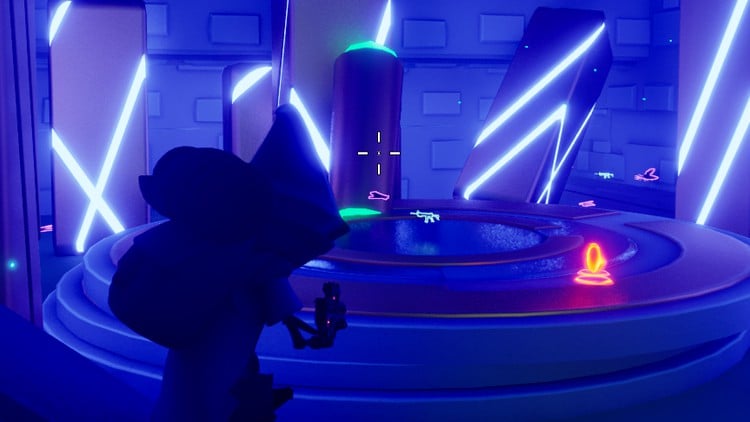
During this course I will show you, step by step, how to create a fully customizable water shader!
What I will learn?
We will start by creating the waves movements with the help of a native hidden function.
After this first feature, we will create the deep water logic to control independently shallow and deep water color
To control the normal, roughness or specular intensities, we will create a big function for the parameters
And we will take advantage of this part to implement a distance system to avoid the wave repetition at long distance.
Once we have taken control of our parameters, we will focus on opacity to create a smooth transition between the objects and the water edges.
And we will configure some very simple parameters for refraction
To increase the realism of our water, we wll see how to generate caustic and foam effects, fully customizable in color, texture size, intensity, fade distance and speed.
Because it can be useful in rainy environments, we'll look at how to integrate a ripple system.
As a bonus, you'll find in the course resources the Substance Designer file for creating and/or modifying a ripple texture.
To add detail to the water surface, painting meshes is always a good option, but it's sometimes difficult to simulate waves on them.
With a vertex layer, you can paint all kinds of details on the surface and control the waves influence.
Winter environments have always something special, that's is why we will integrate a vertex-controllable ice system.
And finally, we will set up an option to convert our water point into a river
Important note :
This course was created in version 5.2 and it is STRONGLY RECOMMENDED to use THE SAME version! If you choose to use another version, be aware that you may encounter possible errors not covered in this course.
About copyrights:
All you can find in this course are for personal usage only. You cannot share it, sell it or make it available for free on any platform.