Music creators like you have songs to share with the world. No matter what your genre, you're passionate about your music, and you care about the quality of your sound.
But when it comes to recording music, many musicians and songwriters struggle with technological hurdles and steep software learning curves. And the expense of hiring a professional recording studio is simply too much for most independent music creators to bear.
This course aims to overcome this challenge by helping you get the skills and confidence you need to record and produce your own music at home.
Record and Mix Your Own Music in This Comprehensive Step-By-Step Guide for Music Creators
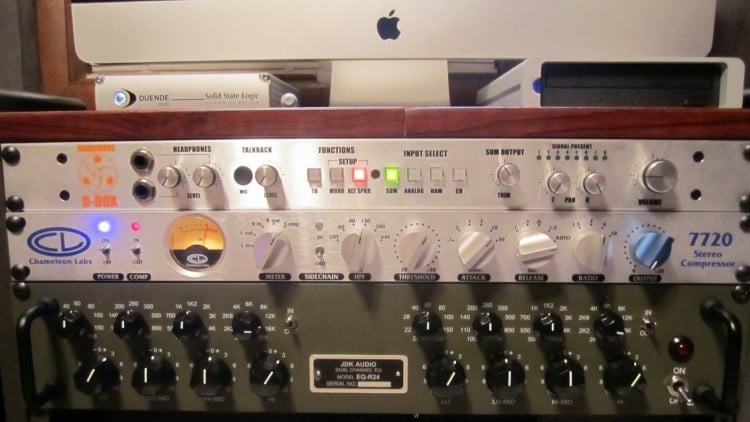
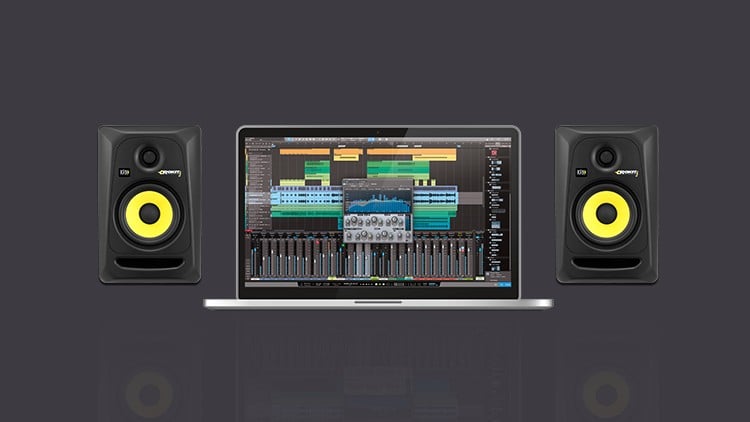
- Discover the equipment you need and how to set it up to get the best results
- Learn how to record acoustic and electric instruments (guitars, bass, vocals, etc.)
- Extend your music production options with tools like MIDI and sample loops
- Polish your recordings with simple yet effective editing techniques
- Understand the basics of compression, EQ, and reverb and when to use them
- Create a release-ready final mix with powerful and versatile mixing and mastering tools
Make great-sounding music recordings at a fraction of the cost
Technology has changed the music industry landscape. Music creators can now produce their own music for commercial release at a fraction of the cost. Unsigned artists, bands and DIY indie labels now have unprecedented power to record their own music, distribute their music worldwide, and connect directly to their audience.
We created this course for songwriters and musicians who want to record their own music at home. Whether you want be able to record high-quality demos, or you want to record music for commercial release — knowing how to record and mix your own music will help you get your music heard.
Content and Overview
This course is a hands-on, project-based course suitable for musicians and songwriters with little or no previous recording experience. We designed this course especially for beginners — so you don't need to know anything special about recording gear, signal flow, or mic placement before starting this course.
We simply expect that you're a musician, and that you'll be recording yourself throughout this course. And we strongly recommend you take this course with a specific song in mind to record! Songs that feature guitar, bass, percussion, keyboards and vocals are best suited for this course, but you can adapt any instrumentation. If you don't have a song ready to record, you can record the sample project song we'll provide to you.
Throughout this course, we'll walk you through every step of recording your song:
- You'll learn how to set up your audio interface to work seamlessly with your computer and REAPER, the digital audio workstation (DAW) software we'll be using throughout this course. You'll also learn how to optimize REAPER for music recording, so you can improve your workflow and get the results you want faster and with less effort.
- Using either your own song or the sample song we'll provide to you, you'll learn how to use XLR microphones, audio interfaces and other tools to record acoustic and electric musical instruments. Once you understand the basics, you'll feel confident combining these tools to capture and preserve the quality of your sound.
- We'll demonstrate some helpful audio editing techniques so you can fix timing and tuning issues, compile your best performances, and edit out unwanted sections from your song. You'll also learn how create a release-ready final mix by using compression and EQ, adding reverb, and automating level changes.
- Finally, we'll cover everything you need to know to export your final mix into your preferred digital format. Whether you need to send demos to your bandmates, upload your songs for digital distribution, or create stems for others to remix, you'll learn how to export your mix to a digital format that suits your needs.
This comprehensive course includes complete project files and other downloadable resources, such as:
- A checklist of recommended equipment
- Sheet music, lyrics and chords for our sample project song
- A customized configuration file to optimize REAPER for music recording
- An audio troubleshooting checklist
- Free kick and snare drum samples and percussion loops
- Helpful PDF reference documents and "cheat sheets"
At the end of each section, we'll also give you a project checklist so you can practice the skills you've just learned. By the end of this course, you'll have recorded, edited and mixed a complete song you'll be proud to share with the world!