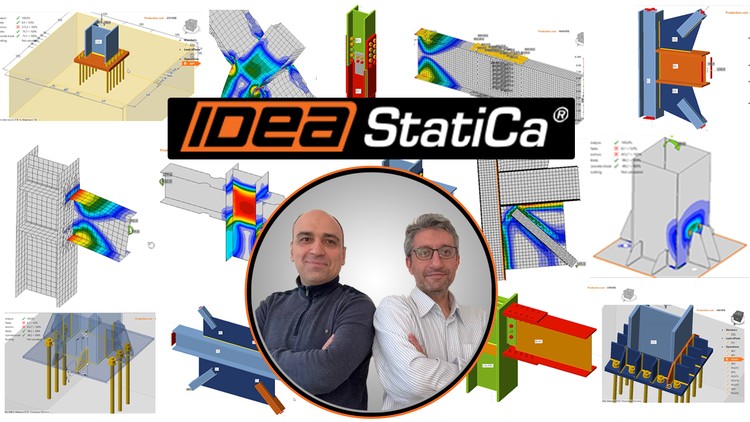
Unlock the full potential of IDEA StatiCa with this comprehensive course designed for structural engineers, designers, and students looking to master steel connection design. Whether you're new to IDEA StatiCa or seeking to enhance your expertise, this course offers a step-by-step guide through the essential features and advanced capabilities of this powerful software.
What You'll Learn:
Introduction to IDEA StatiCa: Begin your journey with an overview of IDEA StatiCa, exploring its user-friendly interface and key functionalities. Understand how this software revolutionizes the way engineers approach steel connection design, from concept to final approval.
Geometry and Member Creation: Dive into the basics of creating and defining the geometry of steel structures. Learn how to effectively set up your model, including the creation of members, joints, and connections, ensuring accuracy and precision from the start.
Modeling and Design: Explore the detailed process of modeling and designing steel connections in IDEA StatiCa. Gain proficiency in using the Connection Library to quickly select and apply pre-defined connection types, and learn how to customize these to meet specific project needs. Understand how to set up and utilize the Bolt and Anchor Grid for precise placement and detailing of bolts and anchors. This section will also cover the various tools and features available to optimize your design process, ensuring your models meet both aesthetic and structural requirements.
Introduction of Loads to Members: Master the art of applying different types of loads to your members, from simple to complex scenarios. Learn how to correctly input and manage loads to simulate real-world conditions, ensuring your designs are robust and reliable.
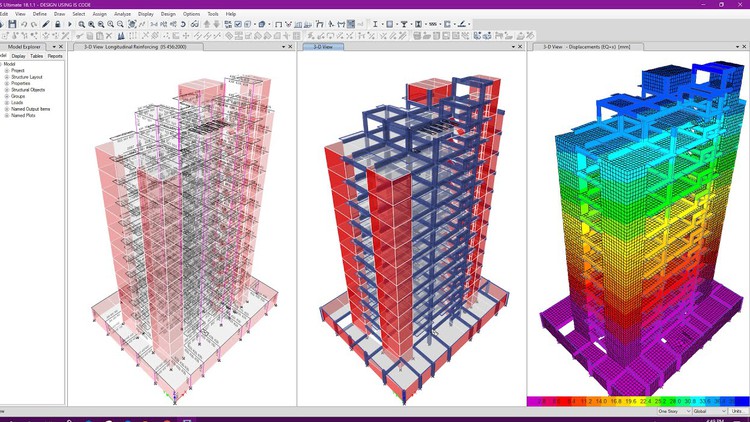
Different Types of Analysis: Delve into the different analysis types available in IDEA StatiCa, including linear, non-linear, and buckling analysis. Gain insights into how each analysis type can be applied to evaluate the performance of your steel connections under various conditions.
Reporting and Documentation: Learn how to generate comprehensive reports and documentation that meet industry standards. Understand the importance of clear, detailed documentation for communicating your design intent and results to clients, colleagues, and stakeholders.
BIM Links: Discover the integration capabilities of IDEA StatiCa with Building Information Modeling (BIM) tools. Learn how to link your designs with BIM platforms, including IDEA StatiCa Checkbot, to streamline your workflow, enhance collaboration, and improve overall project efficiency. This section also covers the integration with FEA (Finite Element Analysis) software and CAD tools, ensuring that your design process is fully optimized from analysis to detailing.
Sample Connections: Get hands-on experience with real-world sample connections. Analyze and design a variety of common steel connections, applying the principles you've learned throughout the course. This practical section will solidify your understanding and prepare you for real-world applications.


![AutoCAD cho Kỹ sư Xây dựng + Cơ bản về Revit – 2 trong 1 [2026]](https://studyvn.academy/assets/uploads/course_6a1802ba824c9.jpg)