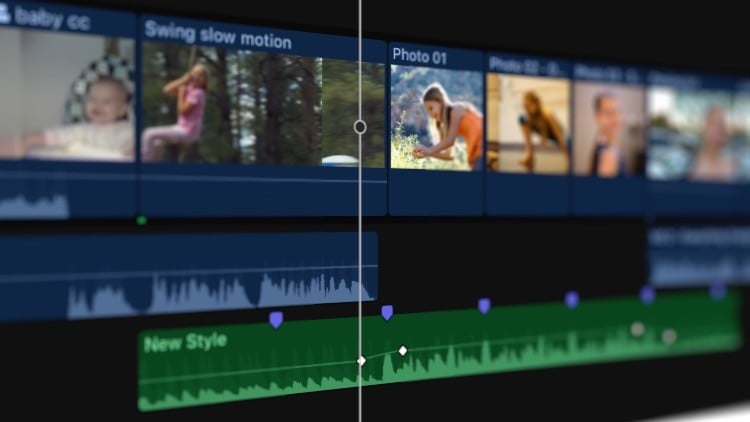
Learn how to edit video in Final Cut Pro X. If you've never used Final Cut Pro X before, that's okay. If you've never edited video of any sort before, that's okay. This tutorial will help you get comfortable using Final Cut Pro X.
If you choose to do this, you can follow along, using the same practice media you see me using in the videos. This will give you a chance to get "hands on" experience with the tools in Final Cut Pro X as you edit an actual video project. The practice media is a downloadable zip file from within the first lesson.
Along the way, you'll see:
Different ways to edit video
How to create slow motion effects
How to add titles to your projects
How to fine-tune edits
How to add music
How to import video into your project
How to export the completed video
I've also added an Additional Content section where I demonstrate additional useful things to know about Final Cut Pro. For example, if you want to create animations in Final Cut Pro, the tool to use for this is called "Keyframes" and there's a 17 minute video on keyframes alone.
Whether you've never used Final Cut Pro before, or you're an intermediate user, this course should be helpful to you.